
By Lynne Williams
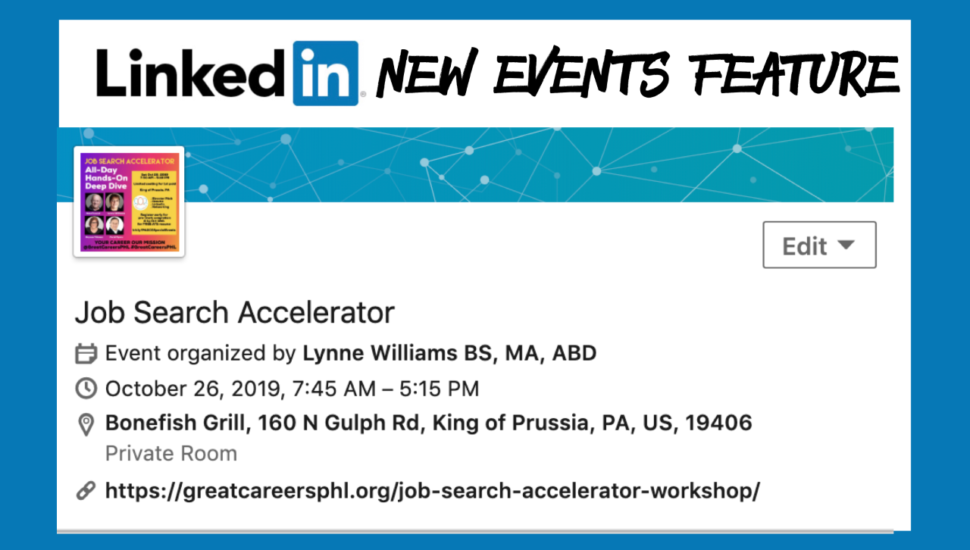
LinkedIn has rolled out another new feature. You can now post an event from your desktop or on the app on your mobile device. I just created my first ever event on LinkedIn and am so excited about this, so I had to share.
Here is how to access it from your mobile device from the app:
- Tap on your profile picture at the top left
- Tap on the + sign to the right of the word Events
- Fill out the info
To use it on the desktop:
- Click on the blue and white IN button at the top left so you have 3 columns
- Tap on the + sign to the right of the word Events in the far left column
- Fill out the info
The event can be set to public or private with the following:
- Time zone
- Image
- Name of Event
- Location
- Venue Details
- Date and Time of start and end
- Event description
- External URL
To read LinkedIn’s directions, click here.
Don’t miss our upcoming featured events. If you are a working adult, come learn and network with us. You must be a member of the meetup before you can RSVP to any of these events or our partner events and see the location and other details.
- 10/26/19 All Day Hands-on Job Search Accelerator with 4 subject matter experts
– Brynne Tillman, Ford Myers, Alex Freund, Lynne Williams
- 10/28/19 The Job Search Process for Mature Candidates
- 10/28/19 Meaning, Impact, & Legacy in Mid Career
- 10/28/19 Networking for Career Change
- 10/30/19 Virtual Zoom Career Support Group Meeting
- 10/31/19 PowerThinking Resilience Building Call-In
Need to accelerate your job search or manage your career? Explore our kickstarter offerings.
Missed the previous LinkedIn article on LinkedIn? Click here!
_______
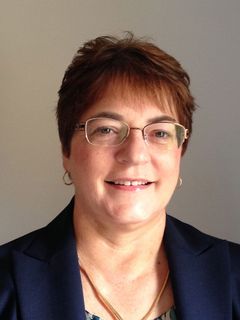 Lynne Williams is the Executive Director of the Philadelphia Area Great Careers Group, a 501(c)3 nonprofit of over 4300 members providing career education and networking. Contact Lynne by phone at 484-393-2951, email at [email protected], on social media @GreatCareersPHL and #GreatCareersPHL and connect on LinkedIn at www.linkedin.com/in/lynnewilliams Check out the website!